Bookmarquee · Chrome extension
I know
I saved it.
Somewhere in your bookmarks is that post you meant to come back to. The trouble is finding it again.
01 — The problem
Saving was easy.
Finding was not.
I saved posts on X because something in them was useful, funny, or worth thinking about later. Then later came, and a long, mixed-up bookmarks feed made the post hard to find.
I didn't need another place to save things. I needed a way to bring the saved posts back into reach: search them, sort them, and narrow them down to the kind of post I remembered.
02 — The way back
Your saved posts, with a little structure.
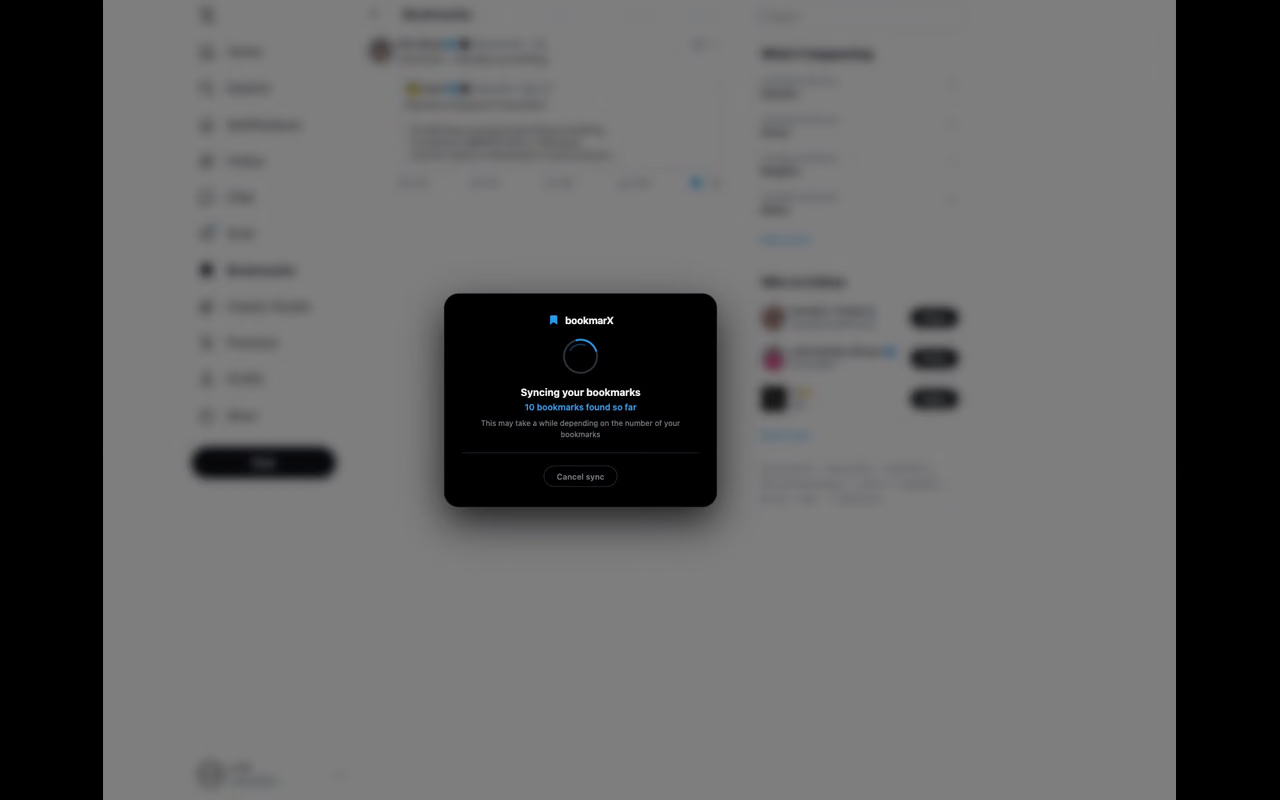
Bookmarquee syncs your saved posts into a local library. Put them in categories that make sense to you, then filter by post type when you're looking for something specific.
- Read later
- Design
- Recipes
- Ideas
03 — Yours to keep
LOCAL BY DESIGNOnce they're on your machine, they're yours.
Your library lives locally in your browser. Your saved posts stay on your machine; your collections stay yours. No separate account or hosted library to depend on.
And if you want a copy to keep, make a backup file. If you move to another machine or need to recover your library, restore from that file.
04 — The extension
Find the post you saved last March.
Bookmarquee turns a hard-to-search saved feed into a local, organized library. Search, filter by type, make a backup, and get back to the post you came for.
Add to Chrome